


Fiber infrastructure
A controlled connection to your home
Line quality, modem setup and Wi-Fi are handled in one service flow.
A fiber line, thoughtful home Wi‑Fi and a local technical team work as one service. Home plans start at 25 AZN and business plans at 30 AZN.
Area and phone number are enough to start. We usually call back within 15 minutes.
Send your area and phone number. Our team will confirm technical availability and connection timing with you.
We surface the most practical plans first. The full tariff table stays below.
Base package for daily usage, video and home Wi-Fi.
For families that want internet, TV and phone in one bundle.
Office package with waiting-area TV and fixed phone line.
End-to-end own infrastructure — stable speed, low latency.
Everything on one line, one account, one payment.
Local team, fast dispatch, remote diagnostics.
Terminal, online and automatic payment — your choice.
Line quality, modem setup and Wi-Fi are handled in one service flow.

Area-based crews and 24/7 support keep every request visible.
Internet, network and systems are planned as one reliable service.
The ONT receives the fiber line and the router distributes it throughout your rooms. Sound placement and professional setup make speed felt in everyday use, not only in a test.
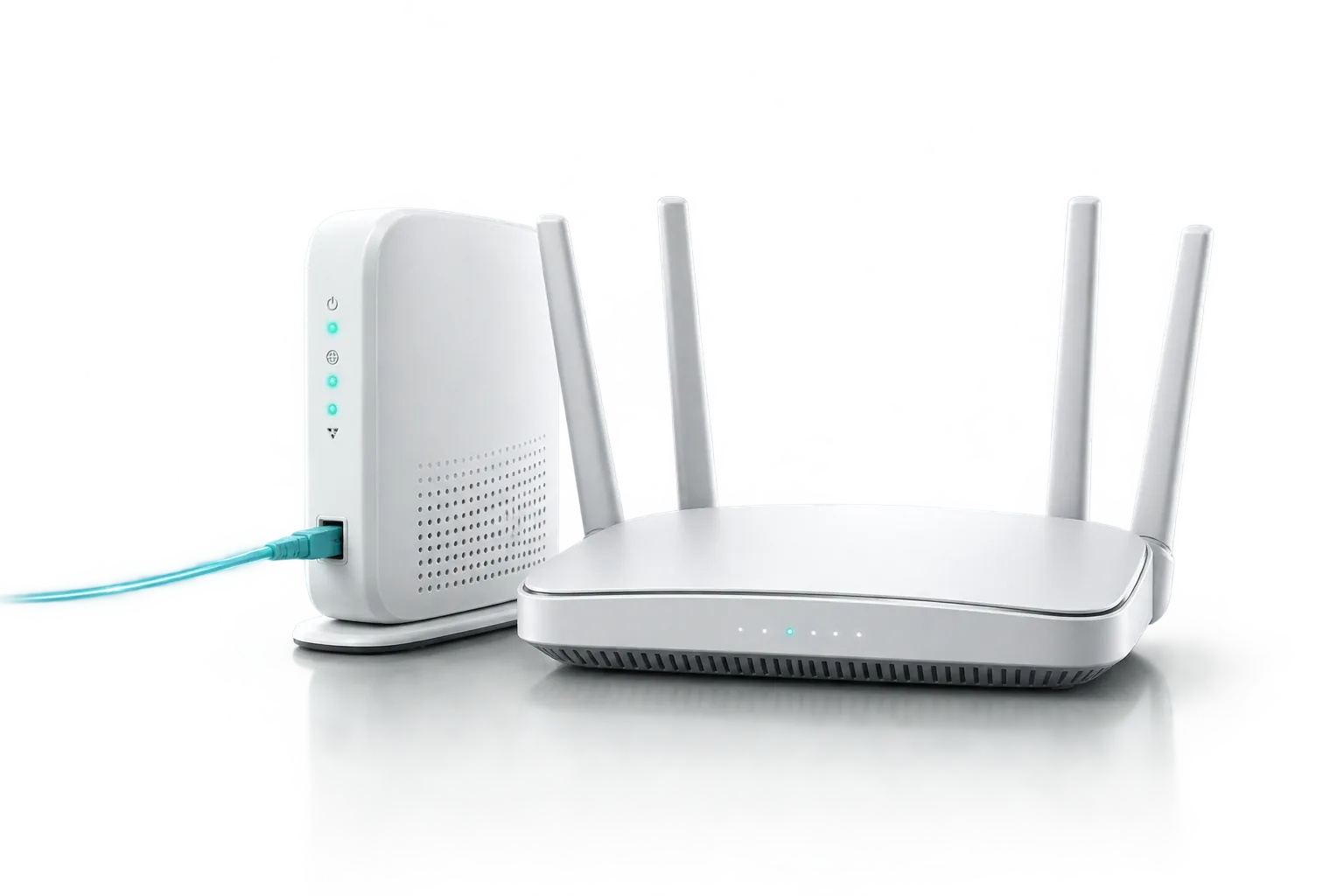
From the data center to your home — every step on our own infrastructure.
Active service across Baku and regions. Type your address — we will check coverage.

Password reset guides by modem brand, an expanded FAQ and direct contact channels are gathered here.
The control panel differs by modem brand, but the main steps are usually similar.
Use 192.168.123.1 to access Wi-Fi settings on BDCOM modems.
192.168.123.1 in your browser.admin as username and super&123 as password.Apply or Save and reconnect your devices.HSGQ modems use fixed login details and the Wi-Fi password can be changed in a few steps.
192.168.1.1 in your browser.telecomadmin and password admintelecom.Apply, reconnect devices with the new password.TP-Link devices let you change the Wi-Fi name and password through a short control path.
192.168.1.1 in your browser.admin / admin.Save and reconnect your devices.On Huawei modems, the Wi-Fi name and password are updated from separate 2.4 GHz and 5 GHz sections.
192.168.100.1.telecomadmin as username and admintelecom as password.Advanced, then WLAN, and then 2.4G Basic Network from the left menu.SSID Name, update the password in WPA PreShareKey, and click Apply.5G Basic Network for the 5 GHz settings.If you could not resolve the issue, contact our team directly.
+994 12 525 88 11 Apply nowThe list is seeded from TVNET’s public channel page. The carousel moves automatically and you can search any channel by name.
A clean structure that separates internet, system security and crypto market topics.
Modem placement, cable condition and Wi‑Fi channel choice directly affect user experience. A short checklist helps separate line issues from home setup issues.
Putting the router on the floor, in a corner or behind the TV reduces coverage. A central and open placement often improves the real speed of the same package.
Reinforced concrete and dense walls absorb 5 GHz signal much faster. In many homes the real issue is not the tariff, but the physical environment around the router.
Bluetooth accessories, microwave ovens, wireless cameras and some smart TVs can crowd the 2.4 GHz space. Router channel and placement choices matter more than many users expect.
A flat with two phones and one TV does not need the same plan as a busy home with ten devices. Choosing the right speed depends on simultaneous usage, not just on price.
Fiber to the home gives better stability, lower latency and more room for future speed upgrades. We compare the practical differences in plain language.
Strong password policy, backup discipline and limited access create the first practical protection layer for small businesses.
Stable system operation depends not only on installation, but also on updates, patch cycles and controlled licensing.
Leaving the default admin password unchanged keeps both home and office networks exposed. A few simple steps protect Wi‑Fi settings and device access.
* The crypto section is for information only and is not investment advice.
Pay from any platform you prefer — it posts to the system automatically.
Questions, connection or technical support — we reply quickly.


